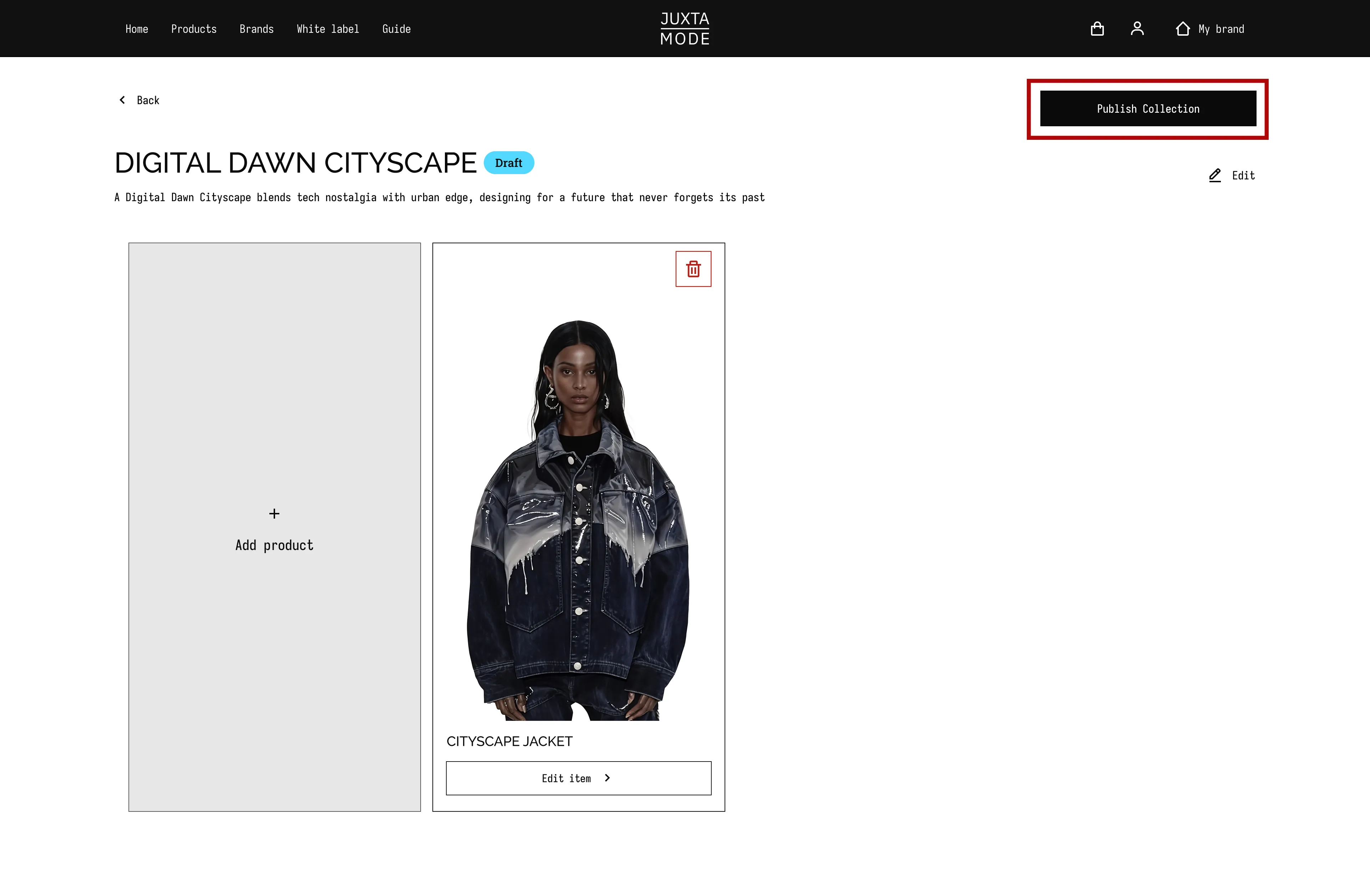
Add Products to Your Collection
Once your collection is saved as a draft, you can start adding individual products to it. Here's how:
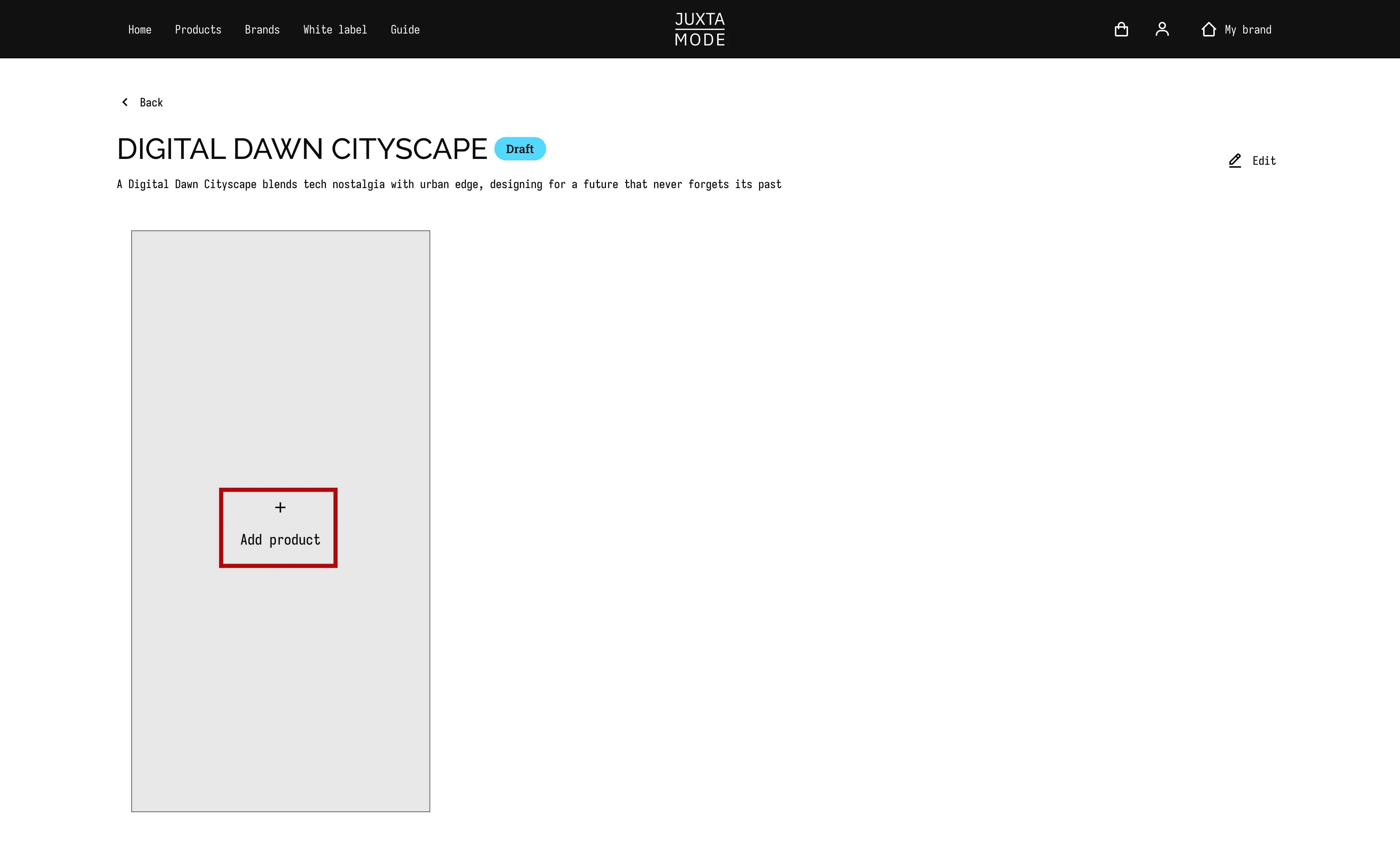
- Navigate to your collection and click on "Add product"
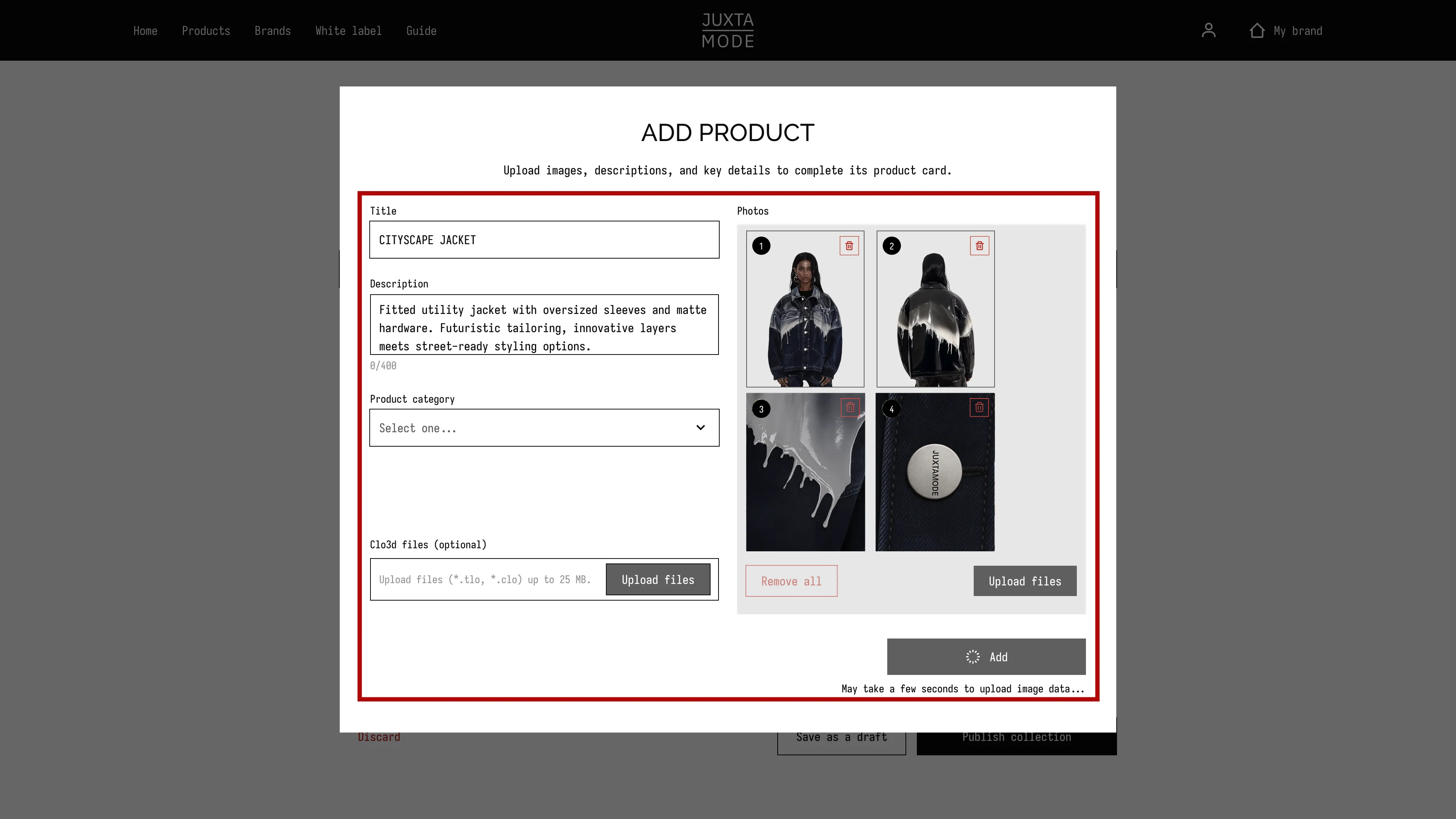
- Fill in the product details and upload product images
Each SKU (Stock Keeping Unit) on JUXTAMODE represents an individual garment or product in your collection.
- Define the product name to be shown on the product card. Keep it simple and short for better visibility.
- Describe the product: design elements, silhouette, fabric, trims, sustainable materials, etc.
- Include details about available sizes or colorways (if applicable).
- Select the collection type and product category from our available filters.
- If available, you can attach Clo 3D files to the product card (optional).
- Upload up to 10 images representing the product: front and back views, fabric close-up, ghost mannequin shots, full look on model, and lining if relevant.
- We recommend uploading clear front and back views. Additional images serve to better present the product.
Please refer to the File Upload Specifications for detailed guidance on image requirements.
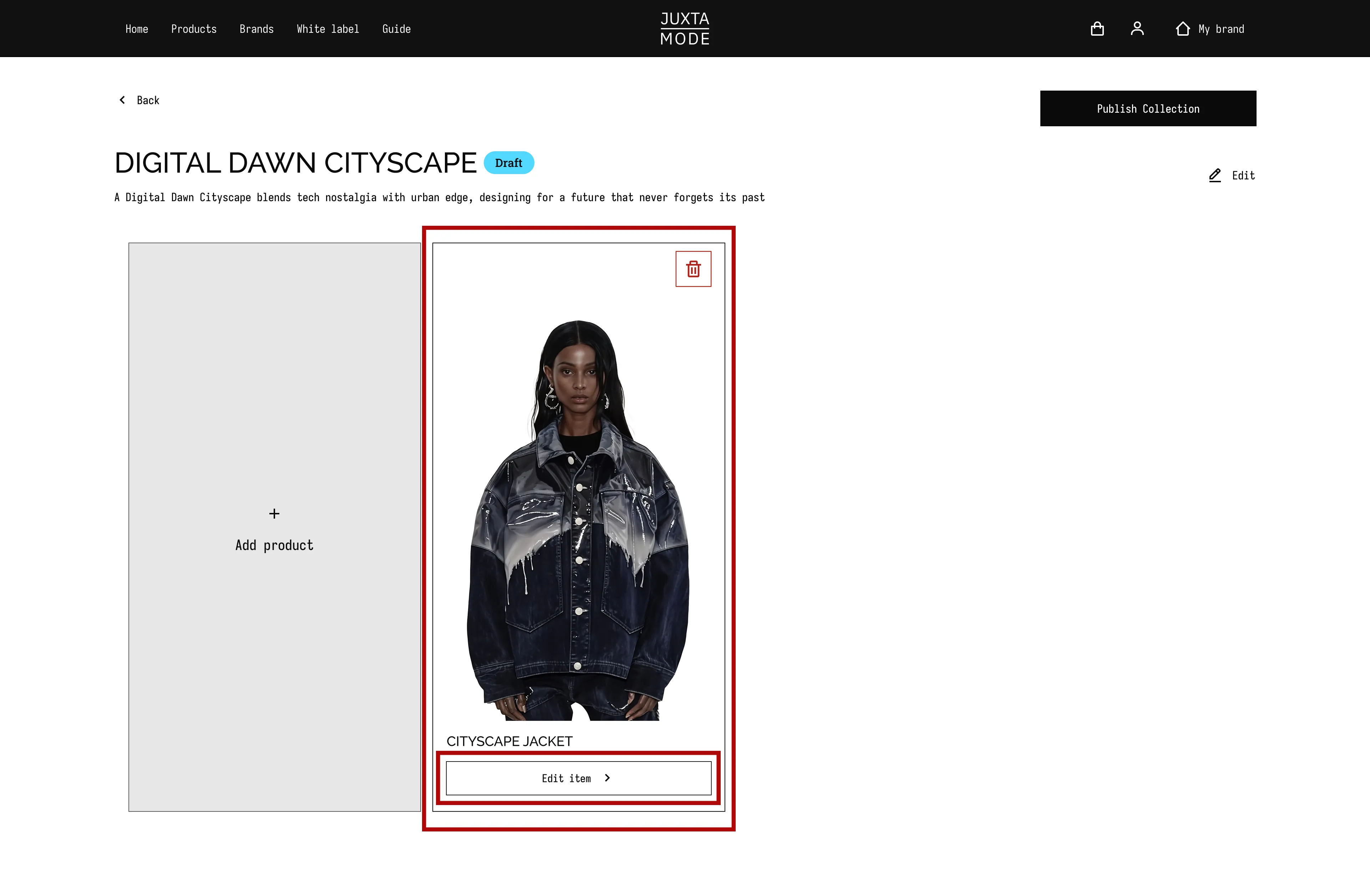
- All edited products will appear on the Drafted Collection page. You can edit or delete each product before the collection is published.
A preview will open in a new window, showing the product card with attached files (if applicable) and related descriptions. If you're satisfied with how it looks, press "Add" on the Edit Product screen.

- Once all files are uploaded and reviewed, submit your collection by pressing the "Publish collection" button.
Tip: Aim for minimum of 4 core pieces that work together to tell your story. This could be 2 tops and 2 bottoms, or any mix that forms at least two complete, styled looks. While each item should stand out on its own, the collection as a whole should feel cohesive - in aesthetic, color palette, and/or material choice.